Step-by-step setup
- Open the app
- Open the Gmail app on your mobile device.
- Go to account management
- Tap your photo or profile icon, located in the top-right corner of the screen.
- Start adding the new account
- Select the "Add another account" option.
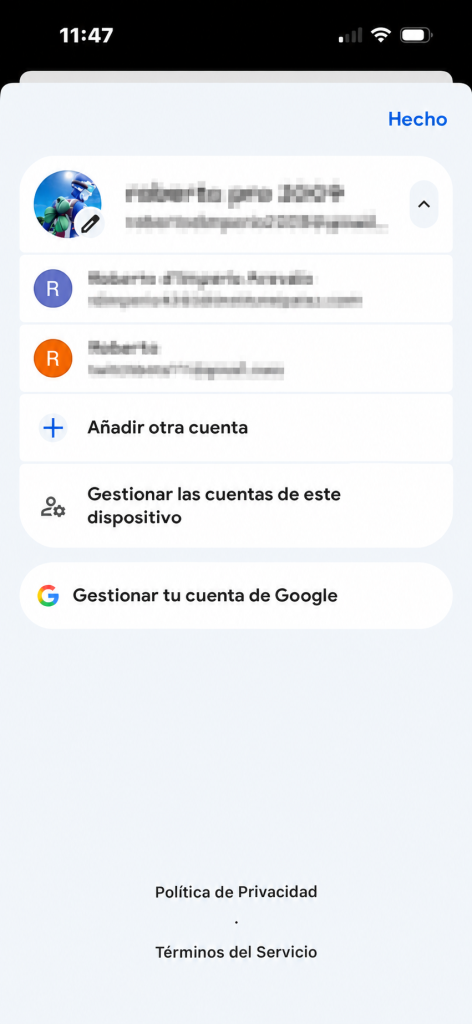
- Select the "Add another account" option.
- Enter your credentials
- Enter your school email address and your password when the screen asks for them.
- Fill in the rest of the required details by following the instructions that appear on the screen.
- Confirmation
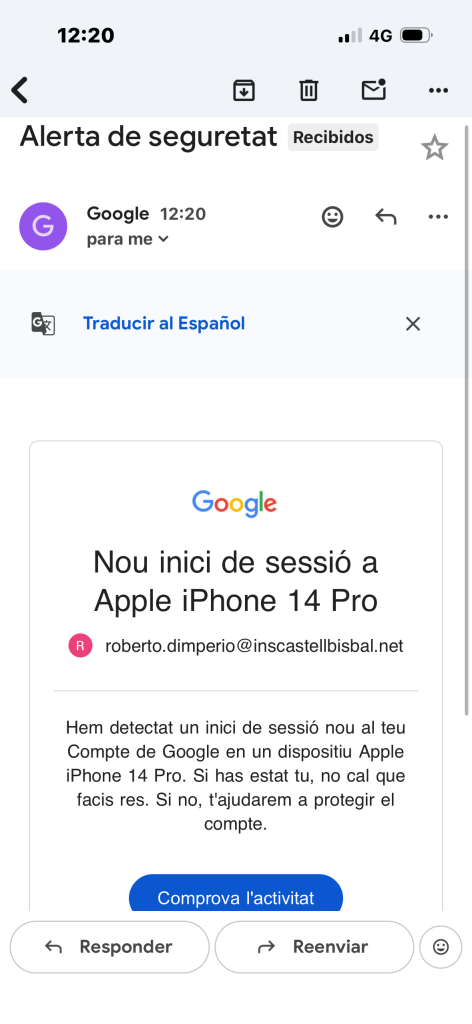
- Once the process is complete, the account will be linked and you will have access to your school email from your phone.
6. How to access Gmail Chat
Click the Chat option.
Go to the left side of the Gmail screen.